How to find your phone's IMEI number
Dial *#06#, or check Settings, the SIM tray, the box or your account. Here is where to find your phone's 15-digit IMEI on iPhone and Android, and what it is for.
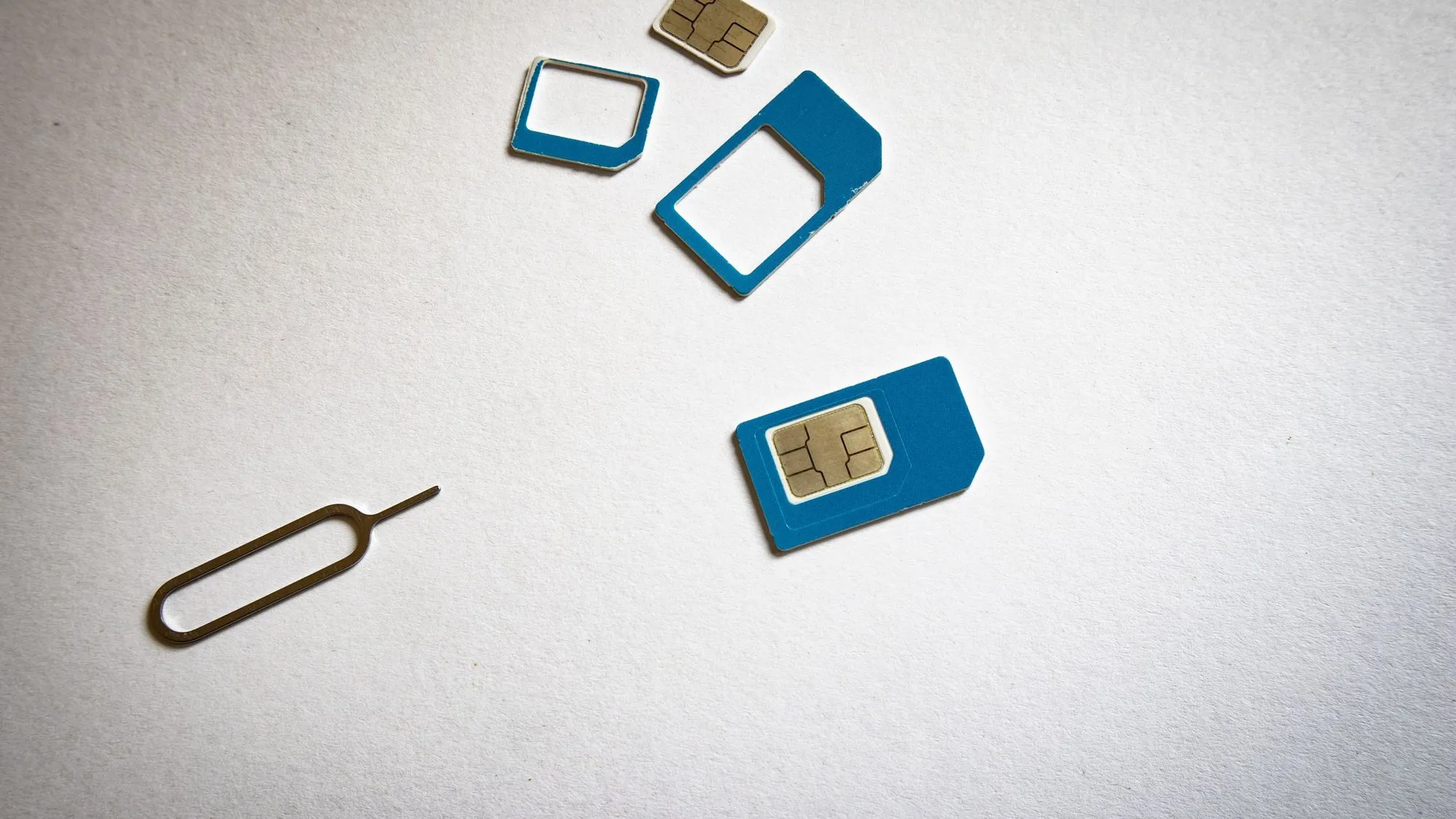
The quickest way to find your phone’s IMEI is to open the Phone app and dial *#06#. The 15-digit number appears on the screen. If that doesn’t work, look in Settings (General > About on iPhone, About phone on Android), on the SIM tray, on the original box, or in your Apple or Google account. This guide is for finding the IMEI of your own phone.
Key takeaways
- Dial *#06# for the fastest answer. Carriers such as T-Mobile and Verizon list it as a way to see your IMEI.
- On iPhone, go to Settings > General > About. On Android, go to Settings > About phone.
- Phones with two SIMs, or a SIM plus an eSIM, can have two IMEI numbers.
- The IMEI is not your phone number or your serial number.
- Keep it written down somewhere other than the phone. Your carrier and the police may ask for it if the phone is lost or stolen.
What is an IMEI?
IMEI stands for International Mobile Equipment Identity. It is a 15-digit number unique to each phone, and mobile networks use it to identify the device. Verizon notes that it is different from the serial number printed on a device, because manufacturers use serial numbers internally while IMEI numbers are standard across the industry.
Your phone may also show an EID. That one identifies an eSIM, not the phone’s cellular hardware.
Fastest method: dial *#06#
- Open the Phone app and open the keypad.
- Dial *#06#.
- The IMEI appears on screen. Write it down or take a screenshot.
T-Mobile’s bring-your-own-phone page tells customers to dial *#06# to get the IMEI, and Verizon says the same for Google Pixel phones. If the code doesn’t show a number on your phone, use one of the methods below.
Find the IMEI on an iPhone
Apple says the easiest place is the Settings app:
- Open Settings, then tap General.
- Tap About.
- Scroll down to find the IMEI (listed with the MEID). Touch and hold the number to copy it.
If you can’t use the phone, Apple lists other places to check:
- SIM tray. On iPhone models from the iPhone 7 up to the iPhone 13 and the second- and third-generation iPhone SE, the IMEI/MEID is on the SIM tray.
- Back of the phone. On the iPhone 6, iPhone 5s and other older models, it is engraved on the back. Apple notes that iPhone 14 models and later don’t have an IMEI engraving.
- Before setup. On a phone you haven’t set up yet, press and hold the power button until you see “Hello,” then tap the Info button in the bottom-right corner.
- Apple Account. Sign in at account.apple.com, choose Devices, and select your phone. On another device signed in to your Apple Account, open Settings, tap your name, and tap the device.
- Original packaging. The barcode label on the box shows the serial number and IMEI/MEID.
- A computer. Connect the phone and use the Finder (or the Apple Devices app or iTunes on a PC).
Find the IMEI on an Android phone
Menus differ between makers, but the steps are usually similar. Google’s help page for Pixel phones says to check:
- Settings > About phone, then look for “IMEI.”
- The phone’s box.
- The SIM card tray.
- Google’s Find My Device page (google.com/android/find). Tap your phone, then tap Information.
On other Android brands, look under About phone or a status or SIM status menu. You can also use the search field in Settings and type “IMEI.”
What if your phone has two IMEI numbers?
Google explains that Pixel phones that can use both an eSIM and a physical SIM have two IMEI numbers, one for each kind of SIM. IMEI 1 is usually paired with the first SIM you set up, and Google suggests checking with your carrier to confirm. To see the second number on a Pixel, turn on dual SIM, then go to Settings > About phone and look for “IMEI (SIM slot 2).”
When a carrier or insurer asks for your IMEI, ask which one they need, or give both.
What do you use an IMEI for?
- Reporting a lost or stolen phone. The FCC advises noting your device’s make, model, serial number and its device ID (IMEI, MEID or ESN) before anything happens. If the phone is stolen, it says to report the theft to the police with that information, report the loss to your service provider, and ask the provider to disable the device. The FCC also says some providers require a police report as proof.
- Checking a used phone. Verizon says some used phones sold by third-party vendors may have been reported stolen, and advises asking a seller for the IMEI before you pay.
- Checking whether a phone works on a network. T-Mobile’s bring-your-own-phone tool, for example, takes an IMEI to check compatibility and whether the phone is blocked.
- Insurance and support. Insurers and manufacturers may ask for it.
An IMEI identifies a device. It is not a way to find out who owns a phone, and it doesn’t locate a phone. To find your own lost phone, use the tools from your phone’s maker, such as Find My on an iPhone or Find My Device on Android.
Keep a record of your IMEI
- Save the IMEI and the phone model in a private note or password manager, not only on the phone.
- Keep a photo of the box label if you still have the box.
- Don’t post the IMEI publicly or give it to someone you don’t trust. Share it with your carrier, insurer or the police when needed.
- When you replace a phone, update your note.
Frequently asked questions
Is the IMEI the same as the serial number?
No. The serial number is a separate identifier. Verizon notes that manufacturers use serial numbers internally, while IMEI numbers are standard across the industry.
Can I find the IMEI if the phone is off or broken?
Yes. Check the SIM tray or back of the phone, the original box, your carrier account, or your Apple Account (account.apple.com > Devices) or Google’s Find My Device page.
Does every phone have only one IMEI?
No. Phones that support two SIMs, including an eSIM, can have two. Pixel phones with both an eSIM and a physical SIM have two.
How many digits is an IMEI?
Fifteen. If the number is shorter, you may be reading a different identifier such as a serial number or EID.
Should I share my IMEI?
Only with people who need it, such as your carrier, insurer or police. Don’t post it online.
Sources
Guides from the Retracie team on tracking packages, getting public records, finding people, tracing family history and checking vehicles and devices, checked against the official sources that hold the records.
Fees, forms and processing times change, so check the official office before you pay or send anything. How we write our articles.
More in Vehicles & Devices
See all
How to check if a phone is blacklisted before you buy it
By Retracie Staff ·
Get the seller's IMEI, run it through the free CTIA Stolen Phone Checker and your carrier's tool, and check for iPhone Activation Lock before you pay.

How to find lost AirPods
By Retracie Staff ·
Use Find My to locate your AirPods, play a sound, search for one earbud or the case, and see what to do when they show offline or no location.

What is a salvage title? Salvage vs rebuilt explained
By Retracie Staff ·
A salvage title marks a total-loss vehicle and a rebuilt title marks one that was repaired and inspected. See how states differ and how to check before you buy.