How to check if a phone is blacklisted before you buy it
Get the seller's IMEI, run it through the free CTIA Stolen Phone Checker and your carrier's tool, and check for iPhone Activation Lock before you pay.
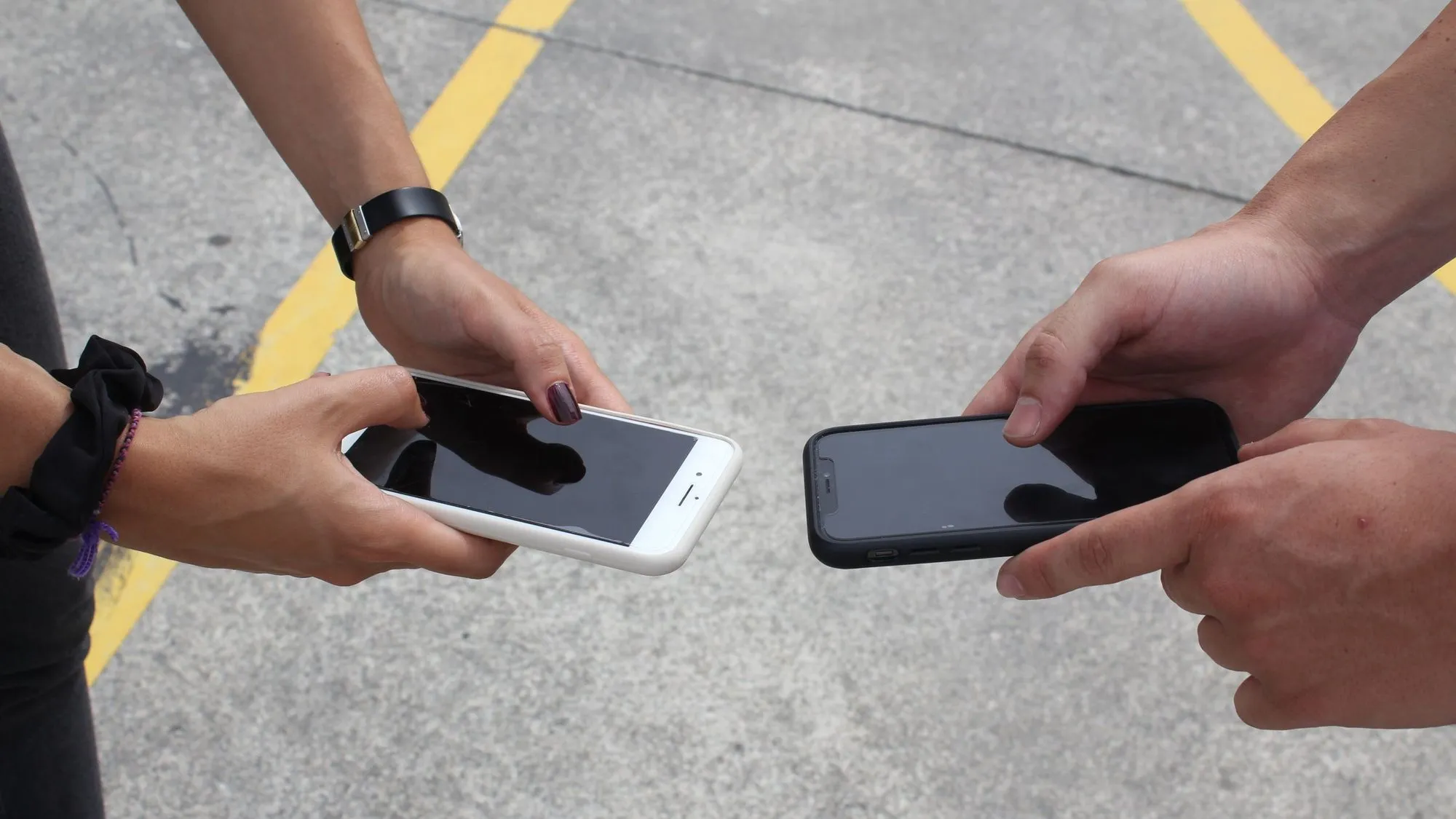
Before you pay for a used phone, ask the seller for its IMEI and check it with the CTIA Stolen Phone Checker (stolenphonechecker.org) and with the carrier you plan to use. If the phone is an iPhone, also make sure it isn’t locked to the seller’s Apple Account. A “blacklisted” phone is one that has been reported lost or stolen, and carriers can block it from their networks. If a check shows a problem, don’t buy the phone.
This guide is about checking a phone you are about to buy. It doesn’t cover unlocking phones or getting around a block, and a blocked phone is a reason to walk away.
Key takeaways
- The IMEI is the 15-digit number that identifies a phone to mobile networks. Ask the seller for it before you meet.
- The CTIA Stolen Phone Checker is free. A red status means the phone was reported lost or stolen, and wireless service may be blocked.
- Carrier tools, such as T-Mobile’s bring-your-own-phone checker, also say if a phone is blocked.
- A clean result is a snapshot, not a guarantee. Check again close to the sale.
- Check iPhones for Activation Lock, and keep a receipt.
What does “blacklisted” mean?
When someone reports a phone lost or stolen, their carrier can disable it. The FCC tells owners to report a theft to the police and to their service provider, and to ask the provider to disable the device. CTIA says the wireless provider will add the device to the Stolen Phone Checker to deter its resale.
For a buyer, that means a phone that looks fine on the outside can be blocked from service, or can belong to someone else. Checking the IMEI before you pay is how you find out.
Step 1: Get the IMEI from the seller
Ask for the IMEI before you meet. The seller can find it by dialing *#06# on the phone or in Settings (General > About on iPhone, About phone on Android). Ask for a screenshot of the screen that shows it. Verizon advises requesting the IMEI before paying for a phone from a third party. See how to find your phone’s IMEI number for the steps on each type of phone.
When you meet, check that the number on the phone matches the one the seller sent. If the box is there, compare the number on its label too. Some phones with two SIMs show two IMEI numbers, so check each.
Step 2: Use the CTIA Stolen Phone Checker
CTIA, the US wireless industry association, runs the Stolen Phone Checker at stolenphonechecker.org. CTIA describes it as a free way to find out if a used or refurbished smartphone has been reported lost or stolen. You enter the device’s unique ID, which can be an IMEI, MEID or ESN. If the device has been reported lost or stolen, CTIA says it shows a red status and notes that wireless service may be blocked.
Treat a red result as a stop sign for the sale. If the result looks wrong, check you typed the IMEI correctly. If it is still red, don’t pay.
Step 3: Check with the carrier
Ask the seller which carrier the phone was last on, and run the carrier’s own check. Carriers publish tools for people bringing their own phone:
- T-Mobile’s bring-your-own-phone checker takes an IMEI and tells you whether the phone is compatible and whether it is blocked. For a blocked phone it says to contact the original wireless carrier.
- Verizon’s bring-your-own-device checker takes a 15-digit IMEI and reports if the device is on the lost or stolen list.
Run the check for the carrier you plan to use, since each carrier’s tool tells you about its own network. Check your carrier’s website for its current tool.
Step 4: Check iPhones for Activation Lock
Activation Lock is an Apple feature that stops anyone else from using an iPhone or iPad that is linked to someone’s Apple Account. It is separate from a carrier blacklist, so an IMEI check won’t show it. Apple’s advice for buyers, in short:
- Turn on and unlock the phone. If it opens to the Lock Screen or Home Screen, it hasn’t been erased. Ask the seller to erase it completely.
- Start the setup process.
- If you are asked for the previous owner’s Apple Account details, the phone is still linked to them. Hand it back and ask the seller to remove it from their account.
- The phone is ready for you when you see the Hello screen.
Apple says not to take ownership of a used iPhone until it has been erased and removed from the previous owner’s account.
Step 5: Meet safely and keep records
- Meet somewhere public where you can inspect the phone and run the checks before paying.
- Get a written receipt that shows the date, price, phone model, IMEI and the seller’s name.
- Save the listing and your messages.
- Check the IMEI again close to the handoff. The checks show what the databases know at that moment.
What if a check shows a problem?
- Before you pay: walk away, or tell the seller to sort it out with their carrier first. Don’t pay on a promise that the phone will work later.
- After you paid: ask the seller for a refund and share the check result. If they refuse, use the buyer protection of the marketplace or payment service you paid with, and follow its deadlines.
- If you think the phone was stolen: contact your local police. Don’t try to confront the seller.
Don’t pay anyone who offers to “clean” or “unblock” an IMEI. A block is placed when a phone is reported, so a blocked phone is a reason not to buy it.
Frequently asked questions
How can I check if a phone has been blacklisted?
Get the IMEI by dialing *#06# or from Settings, then enter it into the CTIA Stolen Phone Checker and your carrier’s tool. Both are free.
How do I check if an iPhone is blacklisted?
Use the iPhone’s IMEI in the same checkers, then check for Activation Lock by erasing the phone and starting setup with the seller present.
Does dialing *#06# tell me if a phone is blacklisted?
No. It shows the IMEI. You then enter that number into a checker.
Can a clean result change later?
Yes. A phone can be reported lost or stolen after you check, which is why you should check close to the sale and keep your receipt.
Is an IMEI check enough on its own?
No. It won’t show Activation Lock, damage or whether the seller owns the phone. Use it with the other steps above.
Sources
Guides from the Retracie team on tracking packages, getting public records, finding people, tracing family history and checking vehicles and devices, checked against the official sources that hold the records.
Fees, forms and processing times change, so check the official office before you pay or send anything. How we write our articles.
More in Vehicles & Devices
See all
How to find your phone's IMEI number
By Retracie Staff ·
Dial *#06#, or check Settings, the SIM tray, the box or your account. Here is where to find your phone's 15-digit IMEI on iPhone and Android, and what it is for.

How to find lost AirPods
By Retracie Staff ·
Use Find My to locate your AirPods, play a sound, search for one earbud or the case, and see what to do when they show offline or no location.

What is a salvage title? Salvage vs rebuilt explained
By Retracie Staff ·
A salvage title marks a total-loss vehicle and a rebuilt title marks one that was repaired and inspected. See how states differ and how to check before you buy.